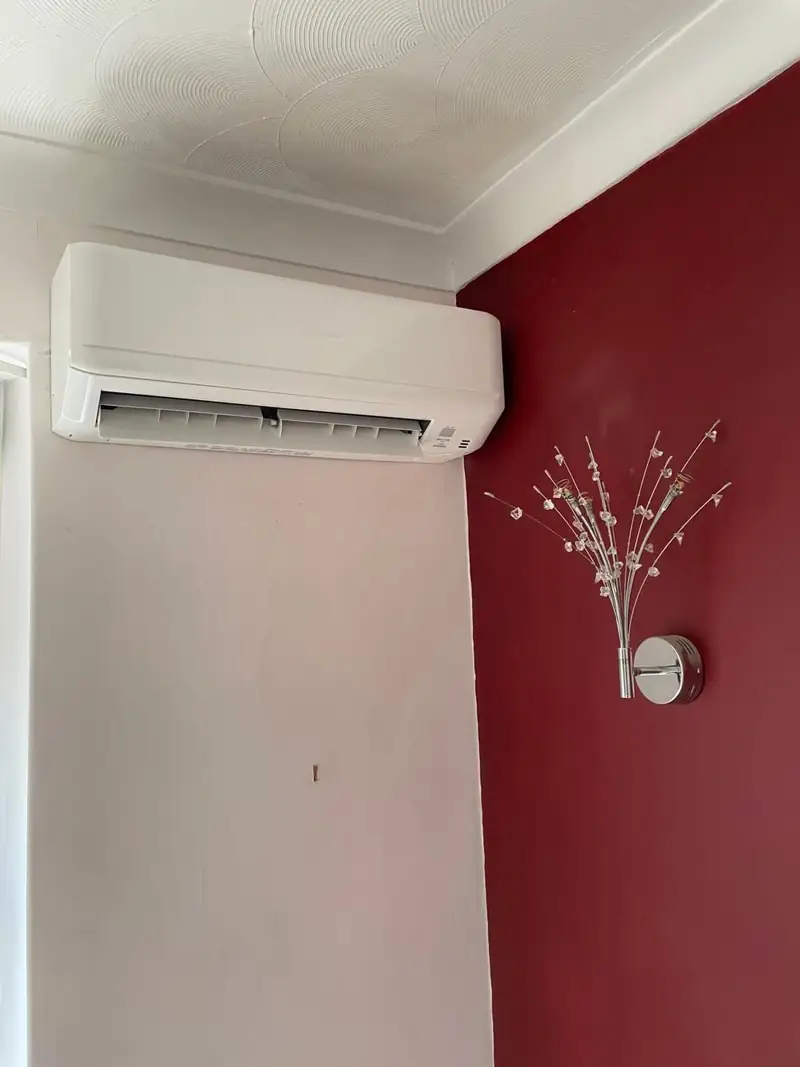
On a warm Manchester afternoon it’s tempting to turn the air conditioning down as low as it’ll go. But how you use your system makes a big difference to both comfort and cost. These tips focus on settings and habits; for running costs and efficiency ratings, see our guide to cutting your air conditioning energy bills.
Why does my house get so hot?
Most homes overheat for a handful of reasons: sun streaming through south- or west-facing glass, heat building up in lofts and top-floor rooms, large glazed extensions and roof lights, and heat from appliances and electronics. Knowing which applies to your home helps you tackle the cause, not just the symptom.
What temperature should you set your air conditioning to?
Around 24–25°C is comfortable for most people in summer and avoids overworking the system. Every degree lower makes the system work harder. If you’re coming in from a hot day, cooling the room to a few degrees below the outside temperature feels refreshingly cool without a big energy penalty.
Which air conditioning mode should you use?
- Cool: lowers the temperature to your set point. Use it on genuinely hot days.
- Dry: removes humidity with less cooling. Ideal for muggy, overcast days when the air feels heavy rather than hot.
- Fan: circulates air without cooling. Uses very little energy, useful in the evening when the room just feels stuffy.
- Auto: lets the system choose. Convenient, but setting the mode yourself gives you more control.
Use timers, sleep mode and smart controls
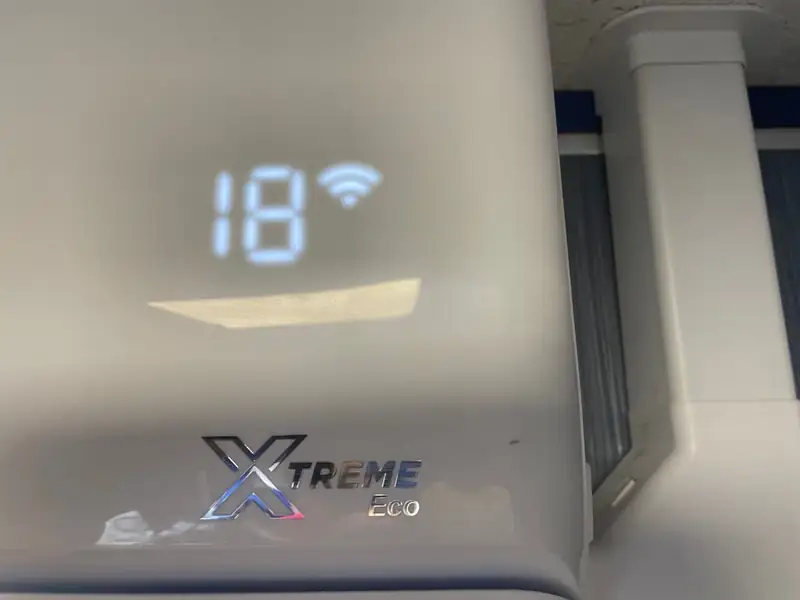
Rather than running the system all day in an empty home, set a timer to start cooling 30–60 minutes before you get back. Sleep or night mode gradually raises the set temperature and lowers the fan speed overnight, saving energy and making the unit even quieter. If your system has Wi-Fi control, you can switch it on from your phone on the way home.
Should you leave air conditioning on all day?
If the room is occupied, a modern inverter system holding a steady temperature is often more efficient than repeatedly switching off and cooling a hot room from scratch. If the house is empty for most of the day, use a timer instead. Either way, keep doors and windows closed while it’s running.
Keep the heat out in the first place
The less heat that gets in, the less work your air conditioning has to do:
- Close blinds or curtains on sunny windows during the hottest part of the day
- Open windows for cross-ventilation in the cooler early morning and late evening, then close them as it warms up
- Check loft insulation, which keeps heat out of top-floor rooms in summer as well as in during winter
- Switch off appliances and chargers you’re not using, as they all add heat
- Draught-proof doors and windows so cooled air stays inside
Cool the rooms you use, not the whole house
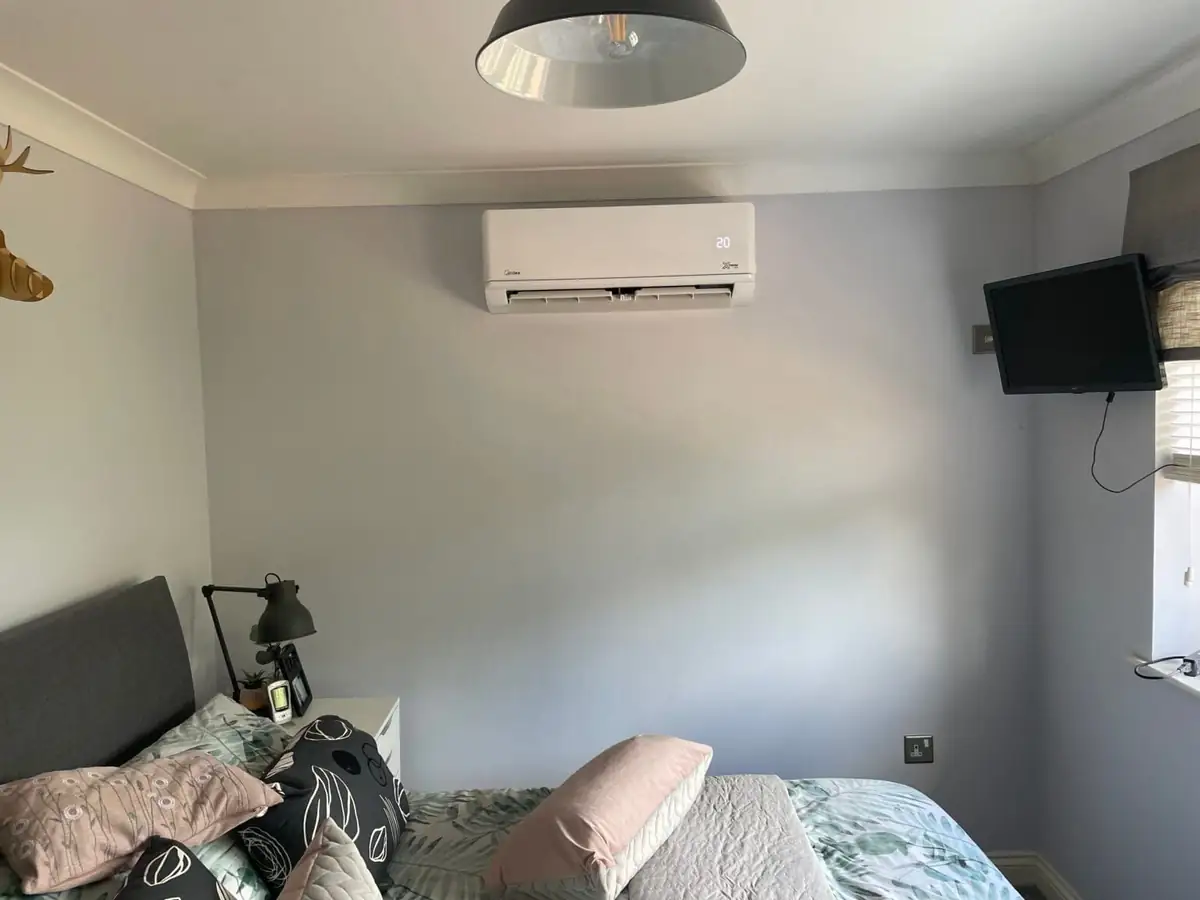
Cooling only the rooms you’re in is one of the easiest savings. Bedrooms at night and the living room or home office by day is a typical pattern. If you want several rooms covered from one outdoor unit, a multi-split system gives each room its own temperature control.
Keep your system clean
Clogged filters make every tip above less effective. Rinse the indoor unit filters every few weeks in heavy use and book an annual service to keep the coils and drains clean.
Thinking about air conditioning for your home?
If a room in your home is regularly too hot, we can help you choose the right system. Find out more about home air conditioning in Manchester or get a free quote.